


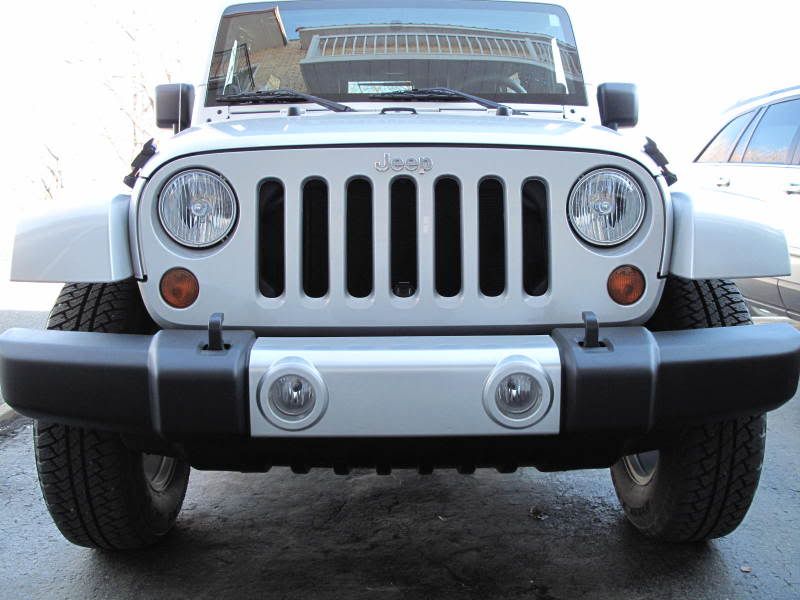
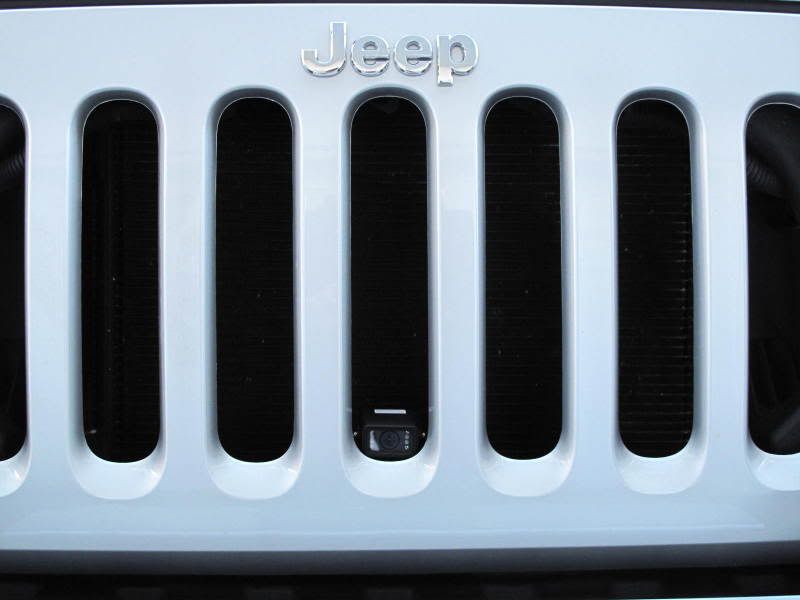
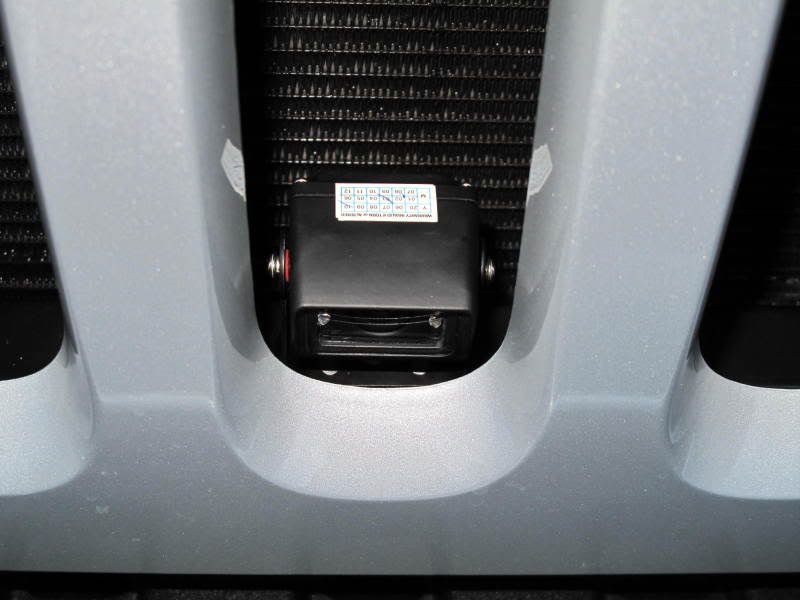
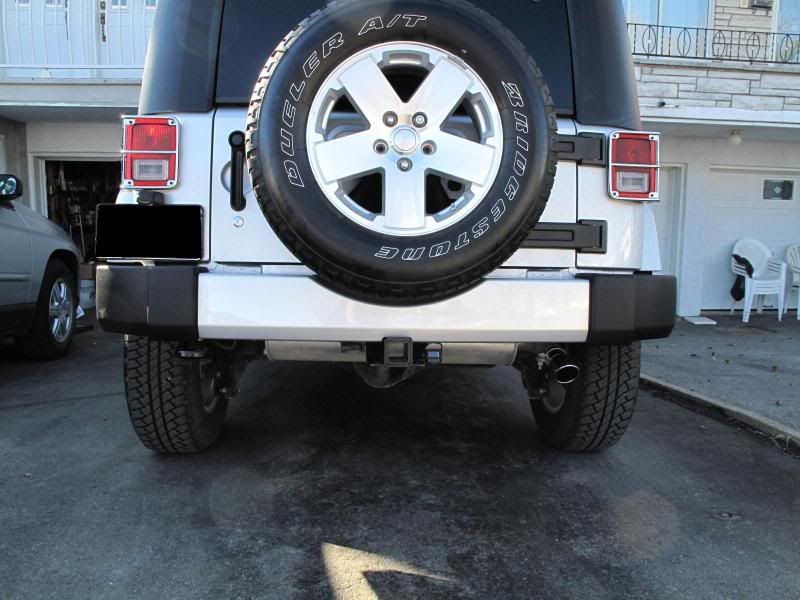
Installed front and rear cameras


 they water proof?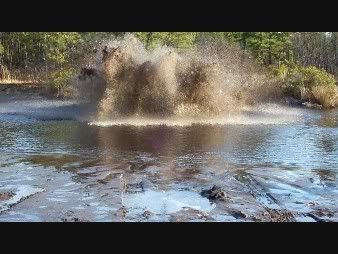
Thread Starter
JK Super Freak
Joined: Feb 2009
Posts: 1,023
Likes: 0
From: Montreal

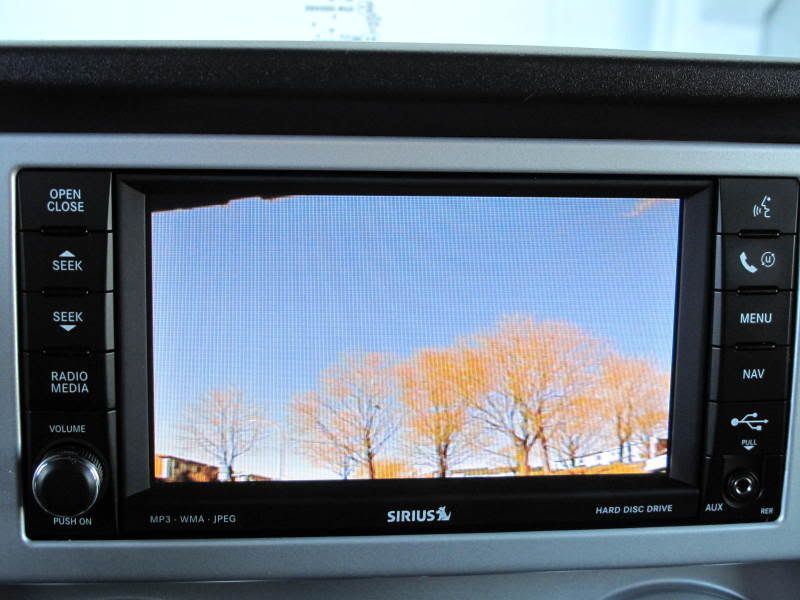
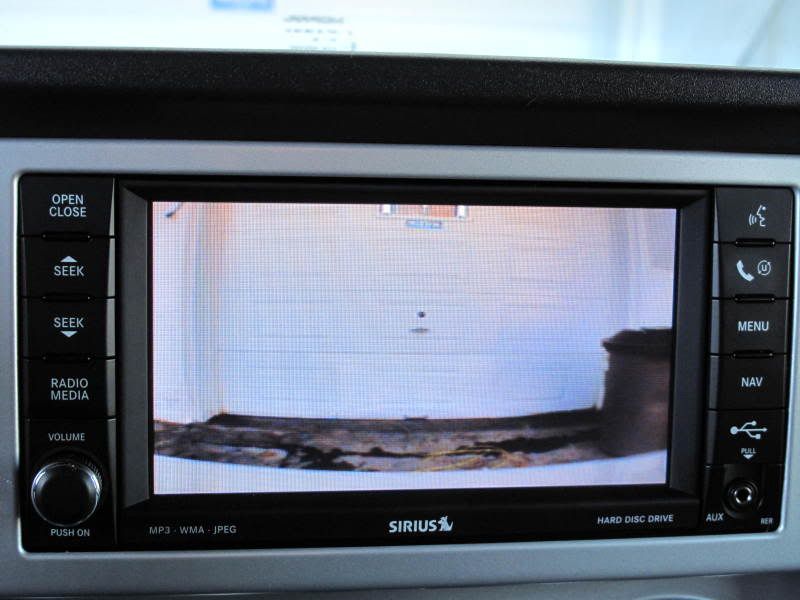
The one in the rear is just beside the hitch. I wanted to install the bullet cams in the front and rear bumpers but I figured that these will be alot easier to adjust the viewing angle. If you notice, the front cam is set to view just over the front bumper which makes if easy to know your distance to the vehicle in front. For the rear cam (with the trees) i have the spare tire in view just to the top left of the screen which is great for judging your distance in a parking spot. I use my Jeep as a DD and frequently head down town which is always a tight squeeze.
Thread Starter
JK Super Freak
Joined: Feb 2009
Posts: 1,023
Likes: 0
From: Montreal
JK Newbie
Joined: Oct 2008
Posts: 86
Likes: 0
From: Miami, FL
Just saw your last thread and love the setup with these cameras. Since your last post have you had any issues with the cameras (waterproof/weatherproof). I understand you live up in Canada and that would be the excellent testing ground.
I may have missed how you ran the wires. Was it through the spare tire carrier? If you could post or PM me with particulars I'd be very interested.
It has been hard finding different pictures of rear camera installs and yours caught my attention due to the clean/unobstructed look.
I may have missed how you ran the wires. Was it through the spare tire carrier? If you could post or PM me with particulars I'd be very interested.
It has been hard finding different pictures of rear camera installs and yours caught my attention due to the clean/unobstructed look.


JK Newbie
Joined: Oct 2008
Posts: 86
Likes: 0
From: Miami, FL
MFX was very helpful in guiding me through the purchase and install. So I wanted to supplement the thread he started with some install pictures.
I wanted to show where exactly the lockpick/NavTV2Go gets installed. You can run the wires into the glove compartment easily by routing the cables around the back:

Ran the wires (Power and Video) to the rear. I was able to connect the camera on the rear with self tapping SS screws. This is the rubber plug that you will use to run into the rear of truck:

This is the picture of the final install:

I purchased a single RCA cable for video and had the company that I purchased camera from supply power cable (approx. 6 meters). Just wanted to add a big thank you to MFX for all his help in getting this job done.
I wanted to show where exactly the lockpick/NavTV2Go gets installed. You can run the wires into the glove compartment easily by routing the cables around the back:
Ran the wires (Power and Video) to the rear. I was able to connect the camera on the rear with self tapping SS screws. This is the rubber plug that you will use to run into the rear of truck:
This is the picture of the final install:
I purchased a single RCA cable for video and had the company that I purchased camera from supply power cable (approx. 6 meters). Just wanted to add a big thank you to MFX for all his help in getting this job done.