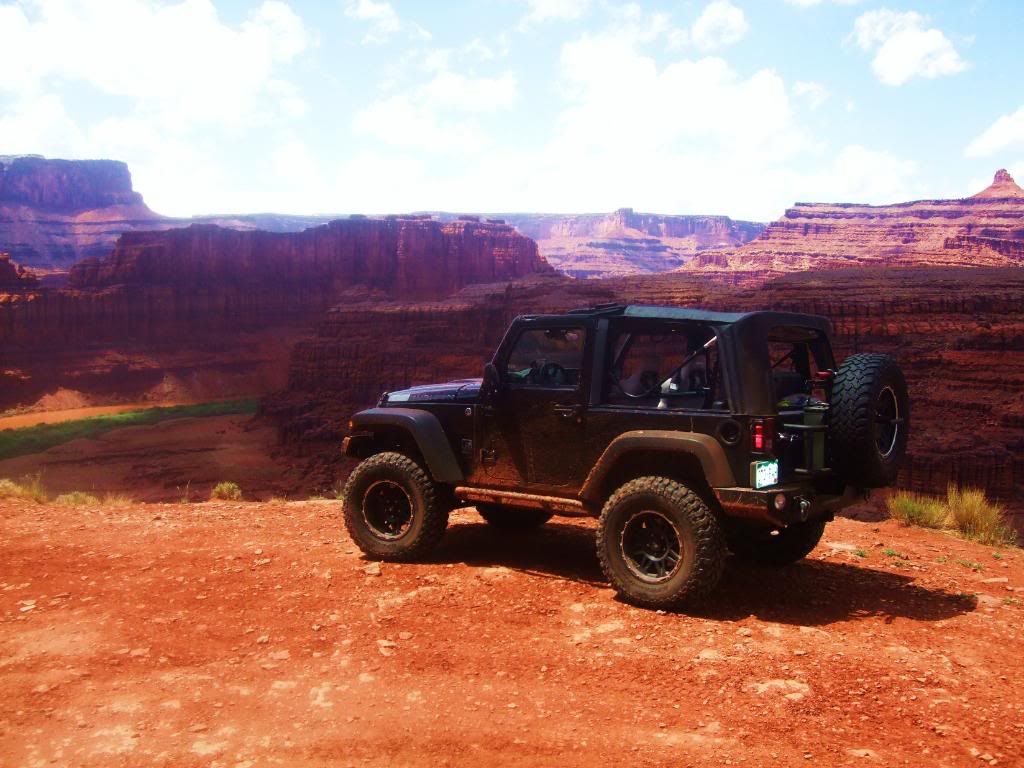
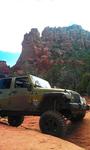
Jeeps in beautiful places


JK Freak
Joined: May 2009
Posts: 808
Likes: 0
From: San Tan Valley, Az


JK Enthusiast
Joined: Aug 2007
Posts: 264
Likes: 0
From: Seattle, WA

1. Use Photoshop or the like to create two additional versions of the original image: one that is adjusted to emphasize the bright bits, one that is adjusted to emphasize the dark bits.
2. Load the three images into an HDR program to tone map them into a composite. There are a number of such programs out there, even Photoshop can do it, but the one I prefer is Photomatix Pro.
2. Load the three images into an HDR program to tone map them into a composite. There are a number of such programs out there, even Photoshop can do it, but the one I prefer is Photomatix Pro.


JK Freak
Joined: May 2009
Posts: 808
Likes: 0
From: San Tan Valley, Az
1. Use Photoshop or the like to create two additional versions of the original image: one that is adjusted to emphasize the bright bits, one that is adjusted to emphasize the dark bits.
2. Load the three images into an HDR program to tone map them into a composite. There are a number of such programs out there, even Photoshop can do it, but the one I prefer is Photomatix Pro.
2. Load the three images into an HDR program to tone map them into a composite. There are a number of such programs out there, even Photoshop can do it, but the one I prefer is Photomatix Pro.
Thanks!